From supplier PDFs to product listings, support triage and SEO content preparation: three workflows connected to PrestaShop with Gumloop and Retool.
PrestaShop
Gumloop
Retool
API
Scoping
Starting with the client’s daily work
Before building the automations, I reviewed the store’s day-to-day operations with the client to identify repetitive tasks and assess the time they required.
01
Map catalogue, customer support and SEO tasks, their volumes and the time spent processing them manually.
02
Estimate time savings by comparing volume × manual processing time with the review time still needed, then prioritise by frequency, feasibility and impact.
03
Agree on required data, exceptions and human approval steps with the client before implementation.
The automations
Three automations for the store
01
From supplier PDF to product catalogue
Turn a supplier document into a PrestaShop product, with a review before import.
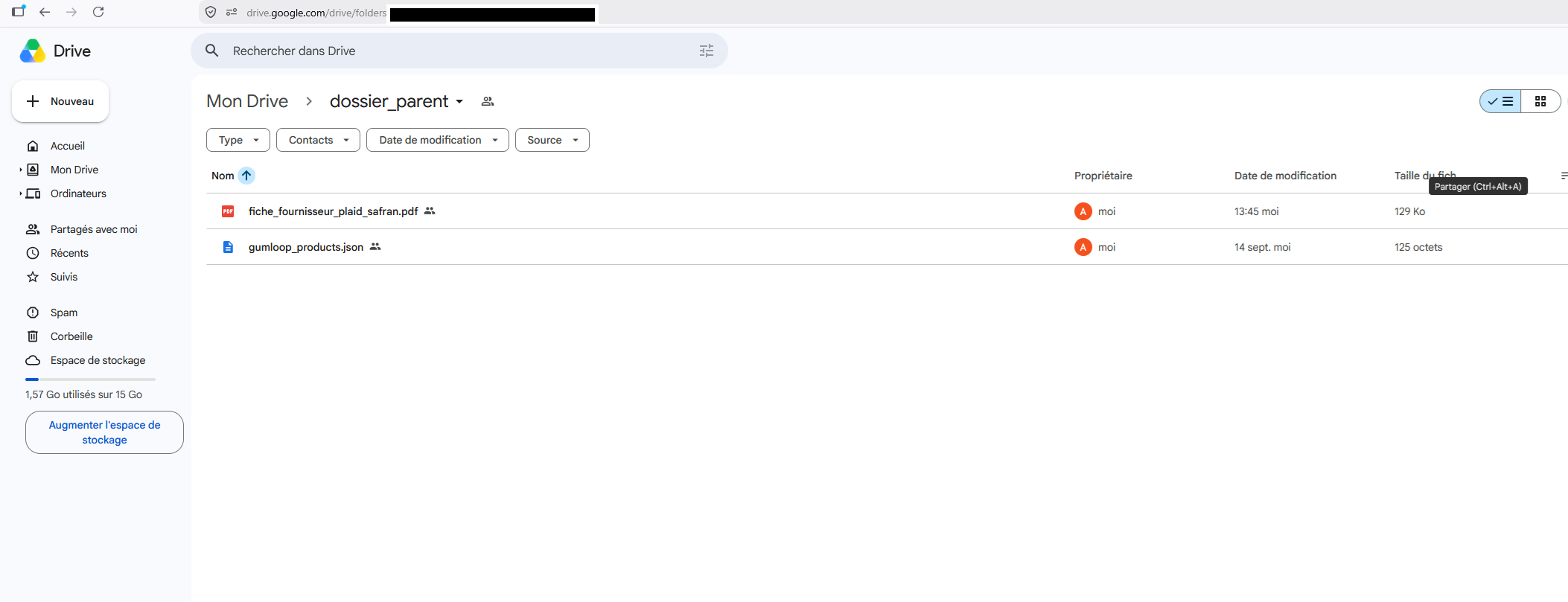
The supplier PDF is uploaded to Google Drive. Gumloop extracts and structures product information, including name, material, dimensions and purchase price.
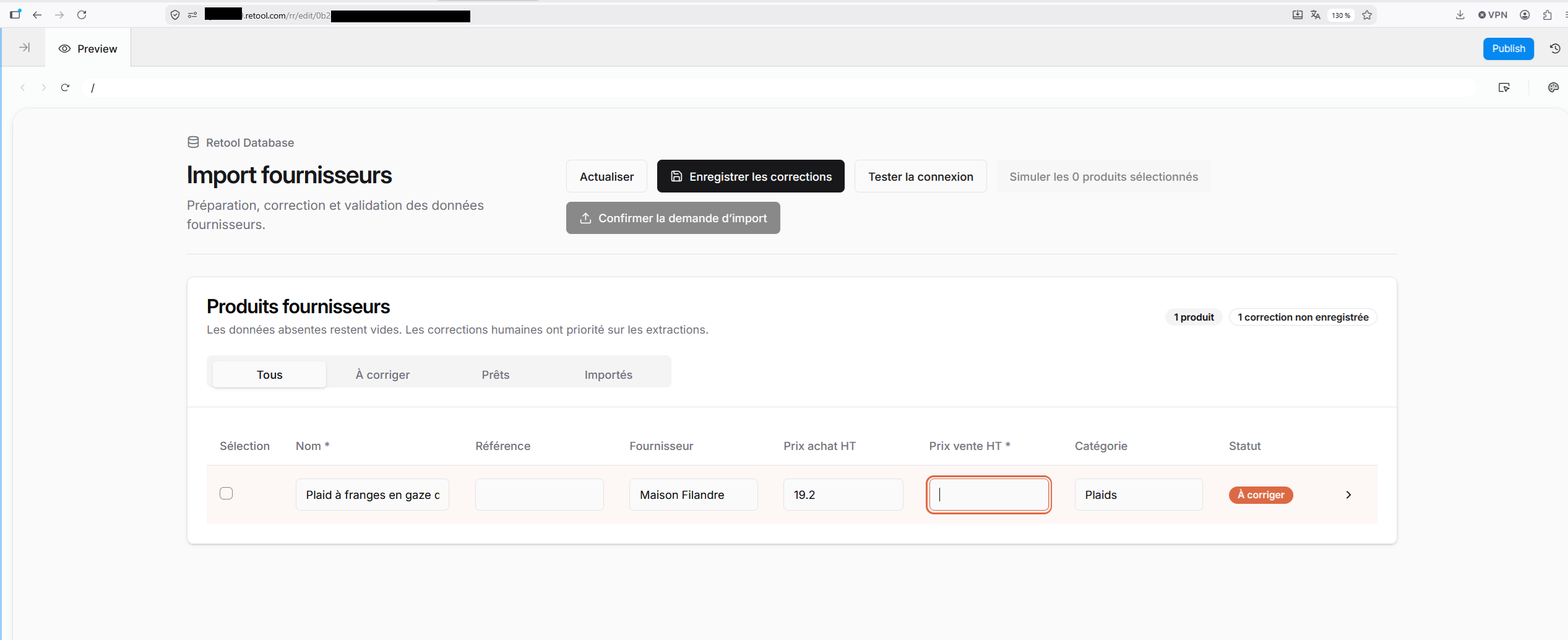
Retool presents the data for review. Missing fields stay empty, and human corrections take precedence over extracted values.
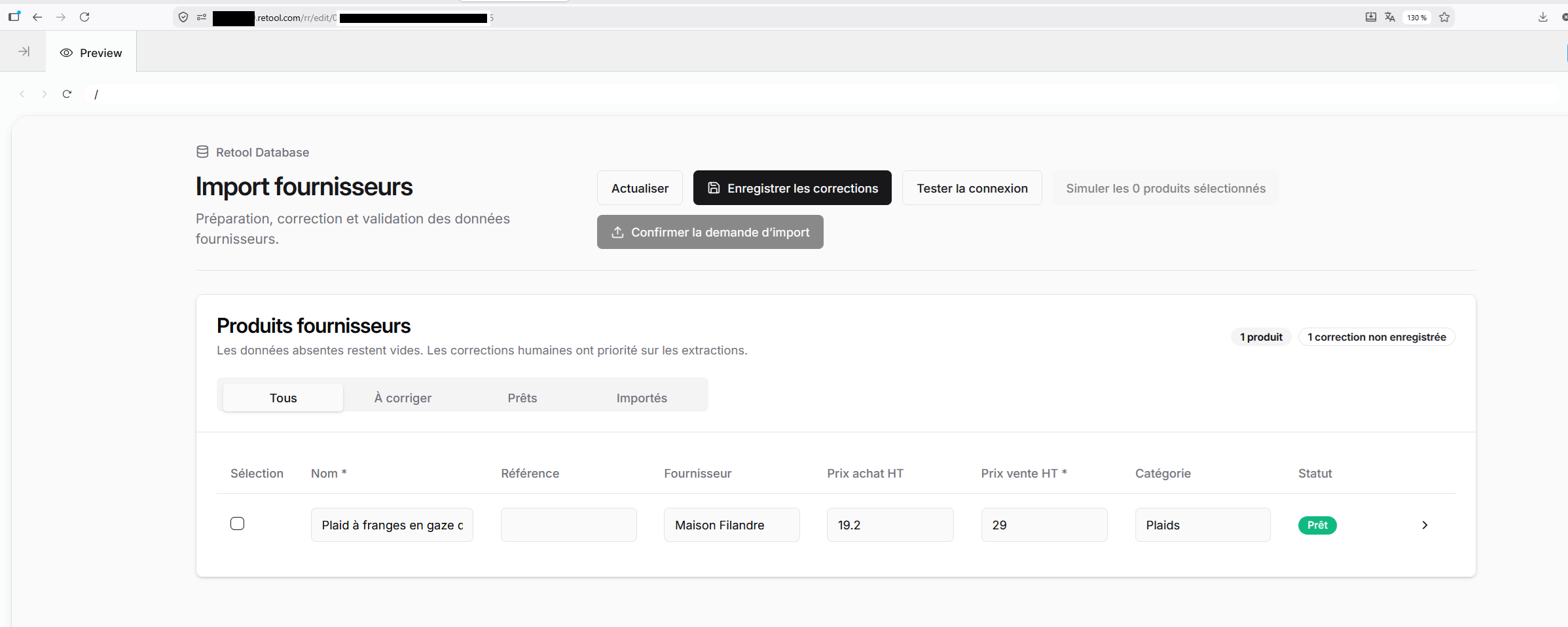
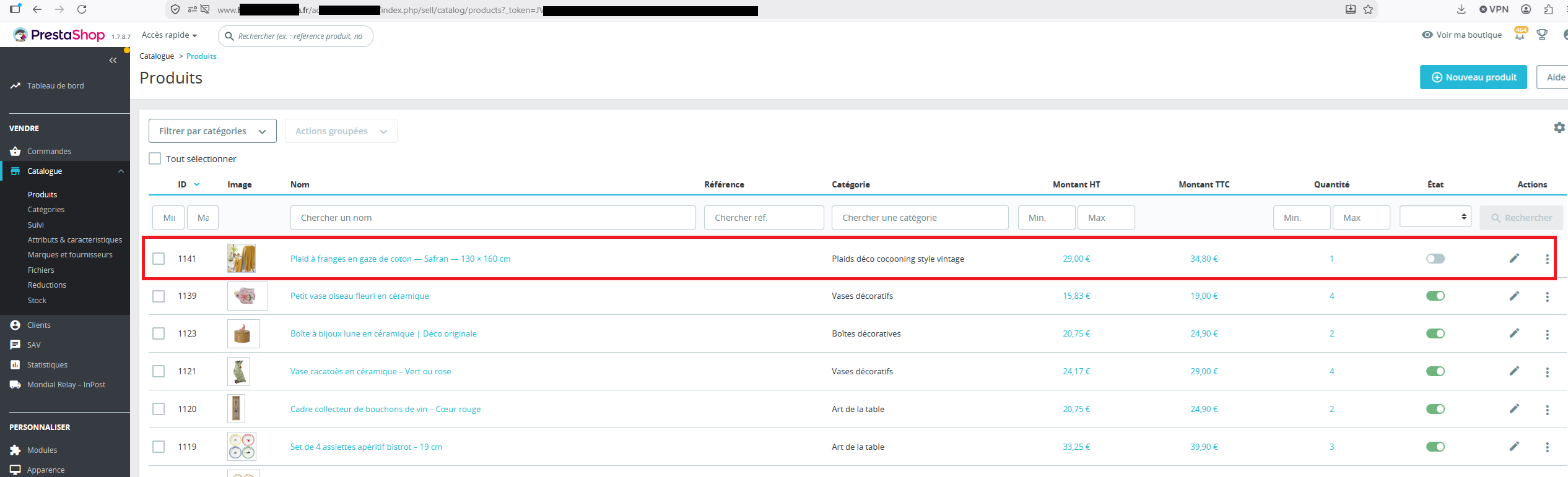
The team fills in missing information, approves the selling price and confirms the import. The product is created in PrestaShop and remains disabled for a final review before publication.
Day-to-day benefitLess manual data entry and a catalogue prepared from supplier information, while the team controls what gets published.
02
Customer support prepared for the team
Sort requests and prepare replies with the right context to speed up handling.
Messages are classified as delivery tracking, returns or damaged products, then matched to the relevant order.
A draft reply uses the order context and store policies to provide available tracking details, explain return steps or request photos.
Disputes, refund requests and unclear situations are passed to the team with a case summary. Replies are reviewed before sending.
Day-to-day benefitRequests arrive organised and documented, so the team can focus on the response and cases that require a decision.
03
Product pages prepared for search
Prepare consistent, product-specific content using validated information.
Gumloop prepares original descriptions from approved specifications without adding properties missing from the source document.
SEO titles and meta descriptions are suggested using the product, its category and the store’s vocabulary.
Similar or duplicate content and missing fields are flagged. The team reviews and approves the copy before publication in PrestaShop.
Day-to-day benefitReady-to-review copy helps enrich the catalogue as new products arrive and keeps product pages consistent.
The outcome
Less repetitive work, with the team in control
The store has three workflows that prepare product data, customer replies and content. Gumloop orchestrates processing, Retool supports import review, and PrestaShop receives approved products. The time savings estimated during scoping provide a reference for monitoring usage; the team retains decisions on pricing, sensitive support cases and publication.
Example · Product automation
A supplier PDF. A product ready for review.
This example illustrates the catalogue workflow with a saffron throw. The supplier document and prices shown use demonstration data.
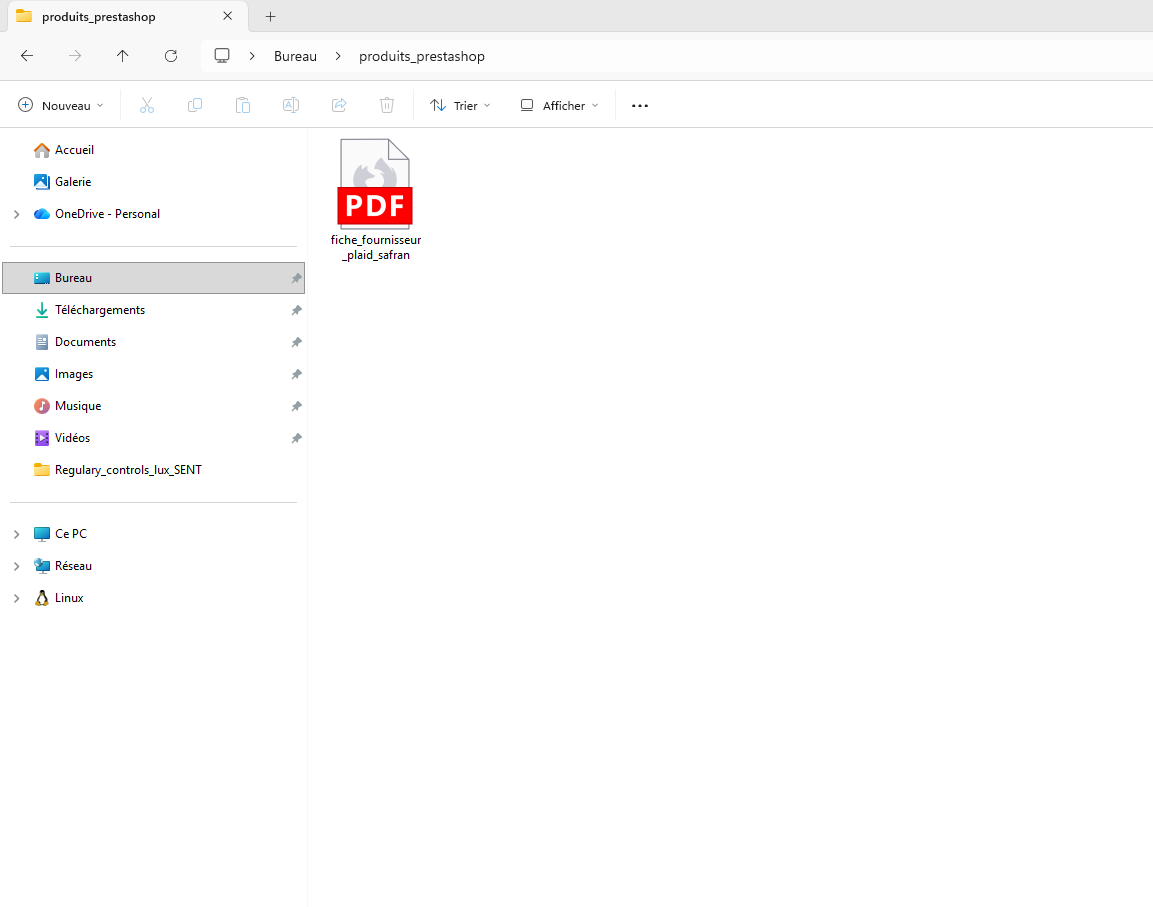
01The supplier PDF in the source folder
The supplier file is stored in a local folder, ready to upload to Google Drive for processing.
This fictional supplier sheet describes a saffron throw, including its material, dimensions, care instructions and wholesale prices. It is the source document for this example.
Retool displays the extracted information and flags the product as needing correction. The selling price is still empty and must be entered before continuing.
Once the import is confirmed, the throw appears in the PrestaShop catalogue with its image and price. The row outlined in red shows the product, still disabled before publication.